Auto-clippers guess. We choose.
Podcast clipping service: a human picks the moments
A real editor watches your whole episode and sends back the clips worth posting, ready to publish on a schedule you can rely on.
- 10
- clips from one 44-minute episode
- 48h
- turnaround on Growth
- $299
- a month, flat, to start
$299/mo for 12 clips - $599/mo for 30 - $1,200/mo for 75
A human watches the whole episode
No auto-clipper skims for audio peaks or keyword spikes. A real editor watches your episode start to finish, the way a producer would, and chooses only the moments worth posting.
A set number, not a pile to sort
Every plan delivers a fixed monthly quota of finished clips, already chosen and ready to post. Fewer clips, but the right ones, instead of a folder of auto-generated maybes to sift through yourself.
Finished, not just generated
Clips arrive captioned, reframed to vertical and checked by a person, not shipped straight off an algorithm. Growth and Scale plans turn them around in 48 hours.
Which one is right for you?
Cliphound fits shows that publish long-form on a regular cadence and want a set number of finished clips chosen by a person, not a pile of auto-generated output to sort through. Auto-clipping tools fit better if you need clips in minutes, run a tight budget, or are happy reviewing dozens of algorithm picks yourself.
- You publish a podcast, interview show or recorded talk on a regular cadence and know you are under-clipping it.
- You want a steady, curated shelf of short-form clips without hiring or managing an editor yourself.
- You would rather receive a handful of finished clips than sort through dozens of auto-generated guesses.
- You want the moments a producer would choose, not whatever an algorithm scores highest.
- You need clips within minutes of recording and cannot wait for a turnaround window.
- Your budget sits closer to $15-$29 a month than a few hundred.
- You post at very high volume and do not mind sorting the good clips from the rest yourself.
- You want to make every final cut yourself and are comfortable doing that work.
Side-by-side comparison
The biggest practical difference is judgement: Cliphound puts a person's full attention on your episode before anything is cut, where auto-clipping tools apply the same scoring model to everyone. That shows up in output volume, turnaround and price - fewer clips, more review, and a higher monthly cost than a self-serve tool.
One episode. Its best moments.
A real editor watched all 44 minutes and pulled the moments worth posting.

The full episode · 44 min
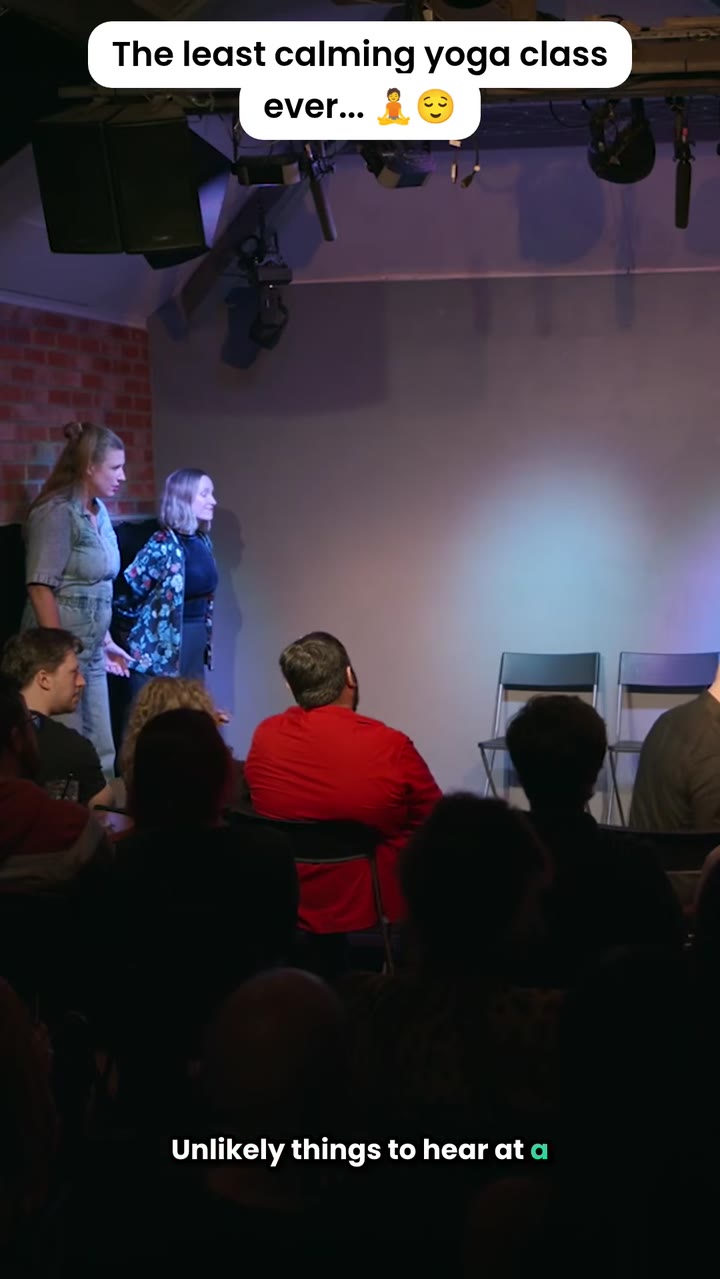
One of the ten clips we chose
Getting started takes three questions
Getting started takes three quick questions about your show and what you want from it. We review your episodes and reply honestly about fit, then book a short onboarding call before anything is charged. Clips begin arriving on your plan's turnaround once you are live - no lock-in, cancel any time.
- 01
Answer three quick questions
Tell us about your show, how often you publish, and what a great clip looks like for your audience. It takes a couple of minutes, no brief required.
- 02
We review your episodes
A real editor looks at a few of your actual episodes before you ever speak to us, so the call starts from an honest view of fit, not a sales script.
- 03
Book an onboarding call
A short call to agree scope and plan. Nothing is charged until you decide to go ahead, and you can cancel the rolling monthly plan whenever you like.
Nothing to pay to start
There is no commitment and nothing to pay to get started. Answer three quick questions, have a short call, and decide from there. Once you are on a plan, it is rolling monthly with no lock-in.
- Three quick questions, no commitment
- Nothing to pay to get started
- A real onboarding call before anything is charged
- Cancel anytime, rolling monthly plans
The short answer
Cliphound is a podcast clipping service built around one difference: a human editor watches your whole episode and chooses the clips worth posting, rather than an algorithm surfacing its highest-scoring guesses. Plans run from $299 a month for 12 finished clips to $1,200 for 75, with 48-hour turnaround on Growth and Scale.
Frequently asked questions
How is this different from an auto-clipping tool?+
Auto-clippers score your episode and surface whatever ranks highest, so you end up sorting the good from the unusable. We watch the whole thing and choose the few that will actually land, then finish them by hand. Fewer clips, but the right ones.
Do I have to commit to a plan just to find out if this is a fit?+
No. It starts with three quick questions and a short call, and there is nothing to pay to get started. You only move to a paid plan once you have decided it is right for your show.
What if I already use an AI clipping tool?+
Keep it if it is working for you. AI tools make sense when you need clips within minutes and do not mind reviewing a big batch yourself. Cliphound is for when you would rather receive a smaller, finished set that has already been chosen for you.
How many clips do I actually get each month?+
It depends on plan: 12 a month on Starter, 30 on Growth, 75 on Scale, and a built-around-you quota on Custom. Every clip in that quota is chosen and finished, not just generated.
How fast do clips come back?+
Turnaround depends on your plan: 48 hours on Growth and Scale, three days on Starter. Clips arrive captioned, vertical and ready to post.
Can I cancel anytime?+
Yes. It is a rolling monthly plan, so you can pause or cancel whenever you like, with no lock-in.
Ready for clips a human actually chose?
From $299 a month for 12 finished clips, picked and finished by a real editor, not an algorithm. Three quick questions, nothing to pay to get started.
The detail
“Podcast clipping service” turns up two very different kinds of answer when you search it. Some results are self-serve AI tools that generate dozens of candidate clips from an upload and leave you to sort them. Others are small, done-for-you services where a person actually watches the episode first. Cliphound is the second kind, and that split is worth naming honestly instead of arguing around it.
The core claim is simple: an editor who has watched your whole episode makes different choices than a model scoring segments for audio peaks or keyword density. That is not a knock on automation generally - it is genuinely faster and lower-cost, which is exactly why some shows are better served by it. It is a statement about what curation actually requires when the goal is a small number of clips that are each worth someone’s attention, not a large number that might be.
Google’s own framing of this category backs the split. On the closely related “video clipping service” search, the AI Overview names “Human & Creator Agencies” as one of three legitimate answers alongside AI automation and all-in-one creation tools, and closes by asking searchers directly whether they prefer AI automation or a human editing team. That is the same choice this page is asking you to make, just spelled out by Google rather than by us.
If podcasts are not your main format, the video clipping service page covers the same human-editor argument for interviews, webinars and recorded talks more broadly. If your show already runs a full audio edit and you only need the clipping layer, podcast editing service, built for clips draws that scope line explicitly. For the honest AI-tool comparison by name, see the Opus Clip alternative page; for other ways to get more mileage out of existing recordings before you clip them, how to repurpose podcast content is the wider guide.
Curious what a real editor actually does with 44 minutes of raw footage? The case study walks through one full episode, decision by decision. And if you want to see how Cliphound sits alongside the wider field rather than just this one comparison, the best podcast editing services roundup covers where full production houses, audio-only editors and clip-focused services each fit. Pricing questions belong on the podcast editor cost guide, which breaks down real rates by tier.