guide
How to repurpose podcast content (and when to hand it off)
The Cliphound editors Human curation team
Most podcasters only ever publish the episode itself, then wonder why the feed goes quiet between releases. A single recording can fuel weeks of social content once you know where to look for it. Here is every practical way to repurpose a podcast, including the one method that tends to pay for itself.
In short
Repurposing a podcast means turning one recording into clips, audiograms, quote graphics, newsletter content, transcripts and YouTube chapters. Short-form video clips are the highest-leverage format because distribution rewards vertical video, but picking the right moments takes judgement. This guide covers every method and the point where doing it yourself stops paying off.
What repurposing a podcast actually means
Repurposing a podcast means taking one recording and turning it into several smaller pieces built for the places your audience already spends time. Instead of publishing an episode once and moving on to the next, you pull out the moments, lines and ideas that stand on their own and republish them as clips, images, audio snippets or text. Done properly, a single 40-minute conversation can fuel weeks of other content, not just one feed post announcing a new episode.
It matters because most shows only ever get the release-day spike. The people who listen the day an episode goes live are already fans; they found you once and they will find you again. Everyone else only discovers a show through something shorter that reaches them somewhere they already are: a clip in a feed, a quote graphic shared by a friend, an email forwarded on. Repurposing is how one recording keeps working after that first spike fades, rather than sitting in a podcast app waiting for someone to already know it exists.
The methods below cover the ground most podcasters actually use, roughly in order of how much new reach they tend to open up. None of them require rebuilding your workflow; most start from the same recording you already have sitting on a hard drive or in your podcast host’s dashboard.
Short-form video clips
Cutting an episode into short, vertical video clips is the highest-leverage way to repurpose a podcast, because it is the one format built for the part of the internet that finds you new listeners rather than just reminding existing ones you exist. TikTok, Instagram Reels and YouTube Shorts all actively push short vertical video to people who have never heard of your show. A newsletter or an audiogram mostly reaches people already on your list; a well-chosen clip can reach someone who isn’t.
The three platforms are not interchangeable. TikTok tends to reward native, slightly rougher pacing, Instagram Reels leans more polished, and YouTube Shorts sits somewhere between the two and benefits from a strong opening frame because autoplay starts silently. A social media video editing service will usually cut platform-native versions of the same moment rather than posting one file everywhere, which is worth knowing if you are weighing up how much of this to hand off.
The harder part is not the cutting, it is the choosing. An episode is not evenly interesting: most of it is scene-setting and connective tissue a listener needs but a thirty-second viewer does not. Finding the two or three moments that work with zero set-up, a complete thought, a genuine reaction, a line that lands on its own, takes someone watching the whole thing and making a judgement call. That is a different skill from technically cutting the video, and it is the one most automated clipping tools skip in favour of scoring the recording against a loudness or engagement signal and returning a high volume of candidates instead. We have made the fuller case for why that matters in podcast to shorts: why AI slop fails and what works.
On the 44-minute episode in our case study, the full recording produced ten finished clips, not forty. Most of the episode was set-up; only ten moments stood on their own once the context around them was stripped away. That ratio, not the length of the file, is usually what decides whether clipping is worth doing yourself.
One episode. Its best moments.
A real editor watched all 44 minutes and pulled the moments worth posting.

The full episode · 44 min
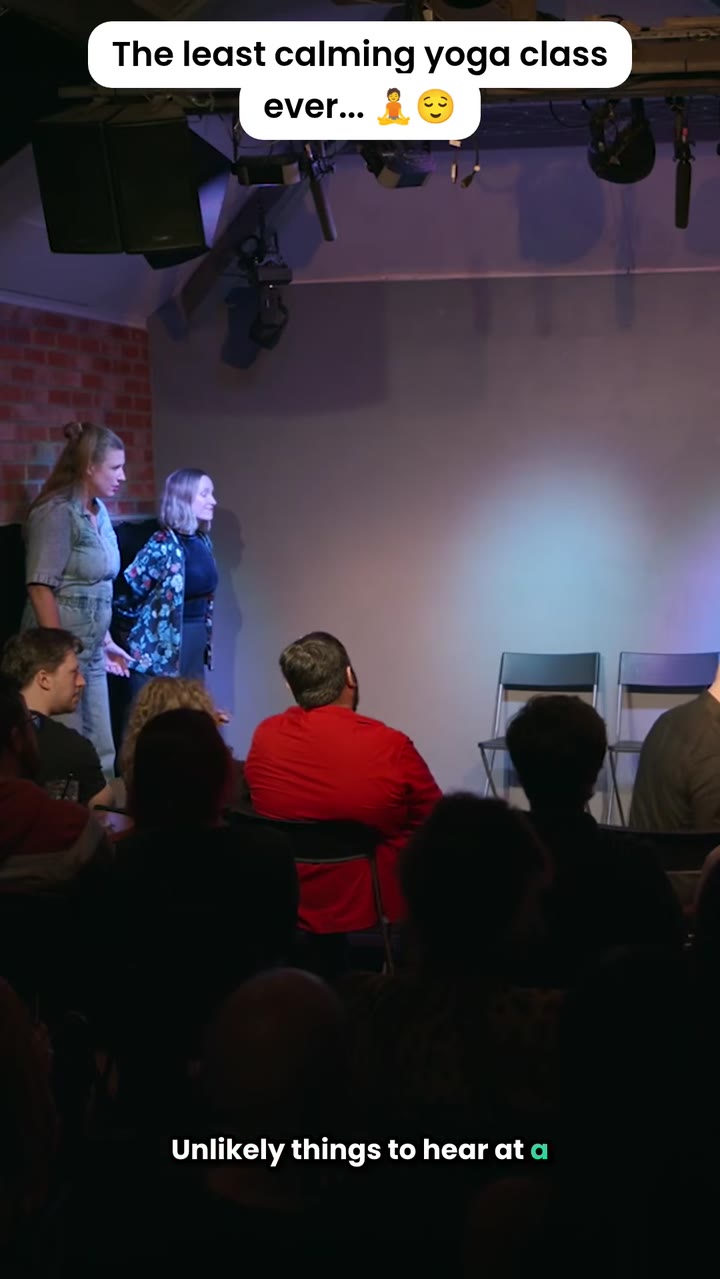
One of the ten clips we chose
If you would rather have someone else make that call every week, that is exactly what a done-for-you podcast clipping service does. Get started - three quick questions, no commitment, nothing to pay to get started.
Audiograms
An audiogram pairs a short audio clip with a moving waveform and a static image, usually the speaker’s photo or the show’s cover art, so it can play in a feed where video would otherwise need a full visual. Captions overlaid on top mean it still works with the sound off, which is most of the time on social feeds. Most podcast hosting platforms include a basic audiogram maker, and general video editing software can build one from scratch if you want more control over the look.
Audiograms are quick to produce and useful for reaching people who already listen to podcasts but scroll past silent video. They tend to work best on LinkedIn and X, where a familiar face and a strong soundbite still get attention even without polished visuals. They rarely bring in new audience the way a clip does, because the format itself signals “podcast” rather than standing on its own, but they are a reasonable use of a strong quote you don’t want to lose. Treat them as a supporting format, not the main event.
Quote graphics
A quote graphic is a single striking line from the episode, set as a static image with your branding, sized for Instagram or LinkedIn. It costs almost nothing to make once you have a template, and it gives your guest or co-host something they will actually share, which is often the real value: quote graphics travel further through other people’s networks than through your own, especially when the guest has an audience of their own.
The trap is picking a line that reads well out loud but falls flat on a page. Spoken delivery carries a lot of a line’s punch through tone and timing, neither of which survives onto a static image. The best quote-graphic lines are usually short, opinionated and slightly uncomfortable, the kind of thing someone screenshots because they half agree and half want to argue with it. Pull three or four candidates per episode, usually easiest to spot once you have a transcript to scan rather than re-listening, and only post the one that would stop you mid-scroll.
Newsletter content
Turning an episode into an email means picking out the two or three ideas that were actually worth the listener’s time and writing them up as a short roundup, with a link back to the full episode for anyone who wants more. This is the format that best serves people who already know you: your list opted in once, and a well-written summary respects the fact that most of them will never listen to the full recording.
Keep it to what actually mattered rather than a full transcript summary; a newsletter that reads like show notes gets skimmed once and ignored the next time. Sending it out on the same day as the episode, rather than saving it up, tends to work better too, since it rides the same window of attention rather than competing with a newer release. Done well, it also does something clips and audiograms cannot: it gives you plain text that search engines and AI answer engines can actually read, a second, quieter form of reach beyond the newsletter itself.
Transcripts and written articles
A full transcript, published alongside the episode, turns 40 minutes of audio into thousands of words of indexable text. That matters because search engines and AI crawlers cannot listen to a podcast; a transcript is often the only way the substance of an episode becomes visible to them at all. It also makes the episode accessible to anyone who is deaf or hard of hearing, or who simply prefers to read rather than listen, an audience most repurposing plans forget entirely.
A rewritten article goes a step further: instead of a raw transcript, it restructures the conversation’s best ideas into something readable on its own, with proper headings and without the verbal filler of real speech. Written this way, the article can rank and get cited on its own merits, independent of the episode it came from.
Transcripts are the least glamorous format on this list and usually the easiest to produce, since most editing software and podcast hosts can generate a rough draft automatically. The work that actually matters is cleaning it up and adding structure, not the transcription itself.
YouTube chapters and highlight timestamps
If you publish the full episode as video, chapters let a viewer jump straight to the part they care about instead of scrubbing through 40 minutes blind. Practically, this means timestamping the moments you already identified while clipping (the same beats that made the cut as short-form clips usually deserve a chapter marker too), then adding them to the video description in the format YouTube reads automatically. A handful of well-labelled chapters, five or six for a 40-minute episode, is usually enough; a chapter every ninety seconds defeats the point.
This is a low-effort repurposing step because it reuses judgement you have already made elsewhere rather than requiring a fresh watch-through. It also keeps people watching longer once they land on the full episode from a clip, which is worth doing even though it will never be the headline format. Chapter titles show up in search results too, so writing them as short, specific phrases rather than “Part 1” or “Segment 2” earns a little extra visibility for free.
Which of these should you actually do first?
If you can only manage one or two of these consistently, start with clips and a transcript. Clips do the heavy lifting on new reach; the transcript is nearly free once you have it (most hosting platforms generate a rough draft automatically) and quietly compounds your search visibility in the background. Audiograms, quote graphics and newsletters are worth adding once the first two are running on a steady cadence, not before, since they mostly serve an audience you already have rather than growing it.
The honest reason most podcasters do not repurpose consistently is not a lack of ideas, it is time. Six formats from one episode sounds achievable in theory and becomes a backlog in practice, because the moment-finding step for clips alone can take longer than recording the episode did. That is worth knowing before you commit to doing all six every single week.
When repurposing stops being worth doing yourself
Most of the formats above take minutes once you know what you are looking for. Clips are the exception. Watching a full episode with genuine attention, deciding which two or three moments would survive with zero context, then cutting and captioning them properly, is a real job, not a five-minute task squeezed between other things. That is usually the point where repurposing stops paying for the time it takes.
A few honest signals it is time to hand it off: your Shorts shelf stays thin or empty despite you trying to keep it fed, the clips you do post look obviously auto-chopped rather than chosen, or you notice you are spending more time scrubbing back and forth through your own recording than you spent making it. None of that means you are doing it wrong. It means the finding-the-moments part of the job wants a second person’s attention, ideally someone doing it for a living rather than squeezed in between everything else you do.
This is less about what your time is worth in the abstract and more about what you are not doing while you scrub through your own recording looking for a laugh you vaguely remember. For anyone running a show alongside an actual job, coaching clients, running a business, or building an audience for something else entirely, the clipping step is usually the first thing worth taking off your own plate, because it is the one that eats real hours for a result someone doing it daily can produce faster.
If you want a sense of what that costs before deciding anything, our guide to podcast editing costs breaks down real rates by tier, from solo freelancers up to full agencies. If you would rather learn the manual side first and decide later, how to clip a podcast walks through the DIY tools step by step.
There is no wrong order to do this in. Plenty of podcasters run the manual route for months before handing the clipping step off, and plenty more decide on day one that their time is better spent recording than scrubbing back through their own voice looking for the right ten seconds. Either way, the recording you already have is worth more than the single episode feed post it usually gets.
Frequently asked questions
What's the best way to repurpose a podcast episode? +
For most shows, short-form video clips open up the most new reach, because vertical video is the format platforms like TikTok, Instagram Reels and YouTube Shorts actively push to people who don't already follow you. Other formats such as audiograms, quote graphics and newsletters mostly reach people who already know your show.
Do I need special software to repurpose my podcast? +
Not necessarily. Most podcast hosting platforms include basic clipping tools, general editing software can handle audiograms and captions, and quote graphics can be made in any design tool. The harder part usually isn't the software, it's knowing which thirty seconds of a forty-minute recording are actually worth cutting.
How many pieces of content can one podcast episode produce? +
It varies by episode, but a single recording will usually support a handful of clips alongside a newsletter, a few quote graphics and a full transcript. The number matters less than picking the right moments; a handful of well-chosen clips will usually outperform a much larger batch of unfiltered ones.
When does repurposing stop being worth doing yourself? +
When finding the moments starts eating more time than you have, or when what you post looks obviously auto-chopped rather than chosen. Both are signs the judgement call is worth handing to someone doing it full time, even if you keep the rest of the process in-house.
How much does it cost to have someone repurpose my podcast into clips? +
Rates span a wide range: roughly $50 to $100 a month at the DIY-adjacent end, up to $1,000 to $5,000 or more for a full agency, depending on how much curation is involved. Cliphound's own plans start at $299 a month for 12 finished clips with a three-day turnaround.
What's the difference between an AI clipping tool and a human editor? +
An AI tool scores the whole recording against signals like volume or keyword density and returns whatever ranks highest, usually in large batches. A human editor watches the whole thing and chooses the handful of moments that would make sense with no context at all, which is a judgement call rather than a scoring problem.
Related articles
How to clip a podcast (and when to stop doing it yourself)
Every honest DIY method to clip a podcast, and when it stops being worth doing yourself.
guideHow much does a podcast editor cost in 2026? Real rates by tier
Real rates by tier, from DIY-adjacent options to full agency retainers, and where a done-for-you plan fits.
comparisonPodcast clipping service: a human picks the moments
A done-for-you podcast clipping service - a human editor picks the moments, not an algorithm.
Want your podcast clipped for you?
Three quick questions. No commitment, nothing to pay to get started.
Get started →