We find the clips worth posting.
Video clipping service with a human editing team
A human editor watches your video and picks the moments worth posting, then delivers a finished set of clips every month.
- 10
- clips a human chose from one 44-minute episode
- 3-day
- turnaround on the Starter plan
- $299
- a month, flat, to start
$299/mo for 12 clips - $599/mo for 30 - $1,200/mo for 75
A human watches the whole thing
In our own case study, an editor watched a full 44-minute episode start to finish and hand-picked ten clips worth posting. Automated tools score segments for audio peaks or keyword density instead; a human editing team decides.
Fewer clips, the right ones
Every plan delivers a set number of finished clips a month, chosen by an editor who gets to know your show, not a batch of auto-generated exports you still have to sort through yourself.
You do not manage a tool
Send the video and a human editing team handles picking, cutting and captioning. Starter clips land in 3 days, Growth and Scale in 48 hours.
Which one is right for you?
Cliphound fits video creators who already publish long-form content and want a human editing team choosing their clips, not an algorithm's best guess. An AI clipping tool fits creators who post daily, want a large batch of candidate clips to sort through themselves, or need results within minutes rather than days.
- You already publish long-form video or podcast episodes and want clips a person actually watched, not an algorithm's best guess.
- You want a set number of finished, human-picked clips delivered on a schedule you can plan a posting calendar around.
- You would rather hand off picking, cutting and captioning than review a batch of auto-generated exports yourself.
- You want the same editor learning your show over time, not a fresh automated pass on every upload.
- You post daily or near-daily and need clips within minutes of publishing, faster than any human review cycle can match.
- You want to generate a large batch of candidate clips yourself and are happy doing the final selection and trimming.
- Your budget is below Cliphound's Starter plan and a lower-cost automated tool covers what you need for now.
- You want direct control inside an editing timeline rather than handing footage to an outside editing team.
Side-by-side comparison
The real difference is who makes the judgement call. Cliphound's human editing team watches your full video and hand-picks a set number of clips; AI clipping tools scan for statistical highlights and hand you a larger batch to sort through yourself. Speed favours the tool, picking accuracy favours the human.
One episode. Its best moments.
A real editor watched all 44 minutes and pulled the moments worth posting.

The full episode · 44 min
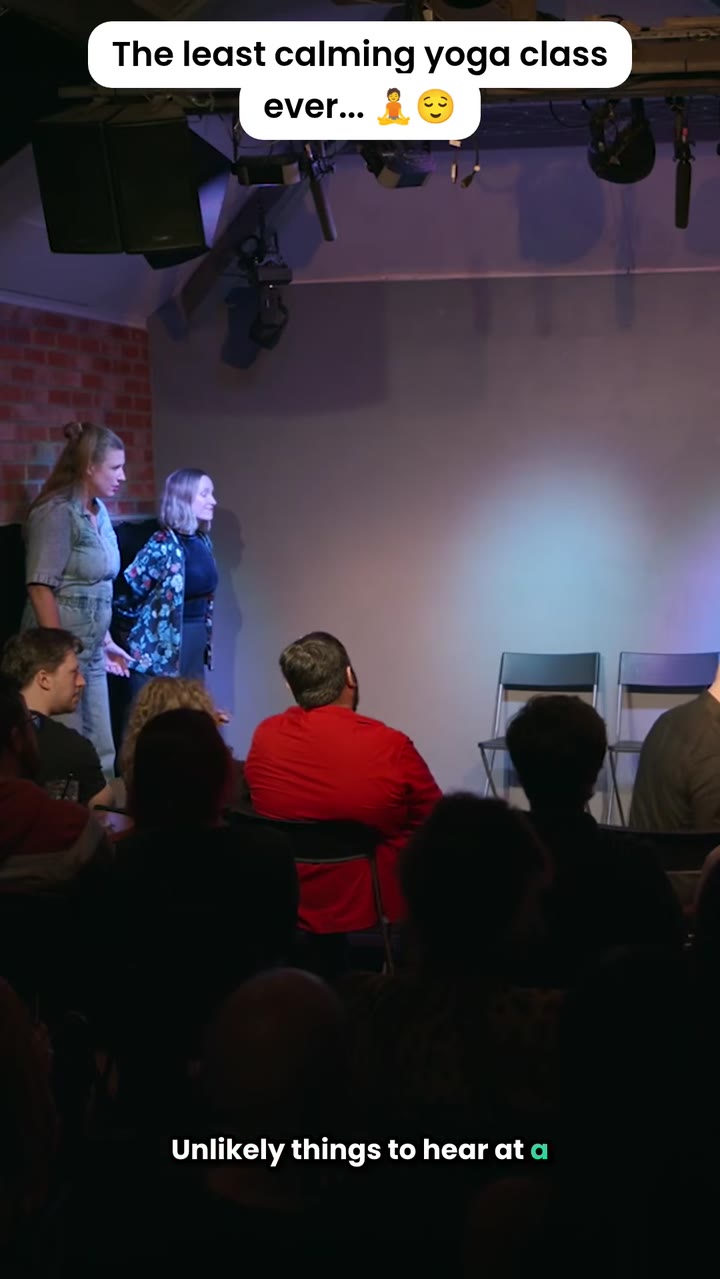
One of the ten clips we chose
Moving from an AI clipping tool takes three steps
Moving from an AI clipping tool to Cliphound takes three steps: answer three quick questions about your show, a human editor reviews your existing videos, then you book a short onboarding call. Nothing to pay to get started, and your first human-picked clips follow on your plan's turnaround.
- 01
Answer three quick questions
Tell us about your show and where you want clips posted. Nothing to pay to get started.
- 02
We review your existing videos
A human editor looks at your long-form content and confirms the plan and turnaround that fits your posting cadence.
- 03
Book an onboarding call
A short call to confirm the details, then your first set of human-picked clips starts on your plan's turnaround.
No commitment to get started
Answer three quick questions and talk to us before anything is charged. There is nothing to pay to get started, and you can cancel anytime once you are on a plan.
- Three quick questions, no commitment
- Nothing to pay to get started
- An onboarding call before your first clip
- Cancel anytime
The short answer
Cliphound is a video clipping service where a human editing team watches your long-form video and chooses the clips worth posting, then cuts, captions and delivers a set number each month. Google's AI Overview for this search asks whether you prefer AI automation or a human editing team - this is the human answer.
Frequently asked questions
Is switching from an AI clipping tool difficult?+
No. Answer three quick questions about your show, a human editor reviews your existing videos, then you book a short onboarding call. There is nothing to pay to get started, and you can keep using your existing tool in parallel until you are ready.
Do you prefer AI automation or a human editing team?+
That is the question Google's own AI Overview asks people searching for a video clipping service. Cliphound is built for the second answer: a human editing team watches your video and picks the clips, rather than software estimating which moments will land.
Is Cliphound an AI clipping tool?+
No. Cliphound is a video clipping service with a human editing team - a person watches your footage and chooses the clips worth posting, then cuts and captions them. Nothing reaches you unreviewed.
How many clips do I get each month?+
12 finished clips a month on the Starter plan, 30 on Growth, 75 on Scale. Every clip is chosen by a human editor, not generated automatically and left for you to sort through.
How fast is the turnaround?+
3 days on the Starter plan, 48 hours on Growth and Scale, with same-day rush slots available on Custom plans. An AI clipping tool is still faster in raw minutes, since nobody is watching the footage first - the trade-off is judgement for speed.
Ready for a human editing team on your clips?
Three quick questions, then an onboarding call. Nothing to pay to get started, and you can cancel anytime.
Why a video clipping service beats an AI clipping tool for busy creators
Search “video clipping service” today and Google’s own AI Overview splits the answer into three lanes: AI-powered automation, all-in-one creation tools, and human and creator agencies - then asks the searcher directly whether they prefer AI automation or a human editing team. That question is close to the whole decision. An AI clipping tool will usually be faster in raw minutes. A human editing team will understand your footage better, because a person actually watched it.
Cliphound sits in the human lane on purpose. Every plan works the same way as our done-for-you podcast clipping service: you send the long-form video, a human editor watches it end to end, and you get back a set number of finished clips rather than a folder of auto-generated guesses to sort through yourself. You can see exactly what that looks like on one real episode in the case study behind these numbers - a 44-minute recording, ten clips a human editor actually chose, nothing generated and left for someone else to review.
If your long-form video already lives on YouTube or as a podcast and you mainly need the clips formatted for Instagram, TikTok and Shorts specifically, our social media video editing service page covers that platform-specific framing in more detail - the underlying editing team and process are the same.
We are not going to pretend an AI clipping tool has no place. If you post daily, need results within minutes, or want to generate a large batch of candidate clips and do your own final cut, a tool is a genuinely better fit for that workflow - see our honest breakdown on the Opus Clip alternative page for where the automated route makes sense and where it does not. What a human editing team adds that automation cannot is judgement: knowing which thirty seconds actually make someone stop scrolling, not which thirty seconds scored highest on a transcript-matching pass. That is also part of why so much AI-generated short-form content looks the same, a pattern we go into further in why AI slop clips fail and what works instead.
If you already publish long-form video on a regular cadence and are under-clipping it, the fastest way to find out if a human editing team is the right fit is to answer three quick questions. Nothing is charged to get started, and there is no commitment before the onboarding call.