A human picks every clip.
Cliphound vs Opus Clip: fewer clips, the right ones
OpusClip generates clips for you to review. Cliphound's human editing team reviews first, so what arrives is already finished.
- 10
- clips a human chose from one 44-minute episode
- Free-$29
- OpusClip's published self-serve tiers
- $299
- a month, Cliphound's human-picked Starter plan
Cliphound: $299/mo for 12 clips, $599/mo for 30, $1,200/mo for 75. OpusClip: Free, $15/mo or $29/mo, published tiers.
A human reviews before you do
Our own case study: an editor watched a full 44-minute episode and hand-picked ten clips worth posting. OpusClip generates its output first and leaves the reviewing to you.
Fewer clips, the right ones
Cliphound delivers a set number of finished clips a month. OpusClip's tiers are built around processing volume and export credits, not a curated monthly quota.
The real cost is review time
OpusClip's own price is low. The time spent watching its output and picking the few that work is the part that does not show up on the pricing page.
Which one is right for you?
Cliphound fits shows that want a human editor choosing their clips and a predictable monthly quota, with nothing left to review. OpusClip fits better for daily posting, tight budgets, or creators who want to generate a large batch of clips quickly and do their own final selection.
- You want a human editor's judgement on which moments are worth posting, not a batch of AI output to review yourself.
- You want a predictable monthly plan and a set number of finished clips, not a credit-based export system.
- You are already spending real time reviewing and trimming another tool's output and would rather hand that off.
- You want the same editor learning your show over time, not a fresh automated pass on every upload.
- You post daily or several times a day and need clips within minutes of uploading.
- Your budget is under $30 a month and a self-serve tool covers what you need right now.
- You are happy reviewing a batch of auto-generated clips yourself and picking the ones that work.
- You want direct control inside an editing timeline rather than handing footage to an outside editing team.
Side-by-side comparison
OpusClip and Cliphound both start from the same long-form video, then diverge completely. OpusClip's algorithm generates first and leaves reviewing to you; Cliphound's human editing team reviews first, so what arrives is already finished. That difference shows up in output volume, turnaround and monthly cost.
One episode. Its best moments.
A real editor watched all 44 minutes and pulled the moments worth posting.

The full episode · 44 min
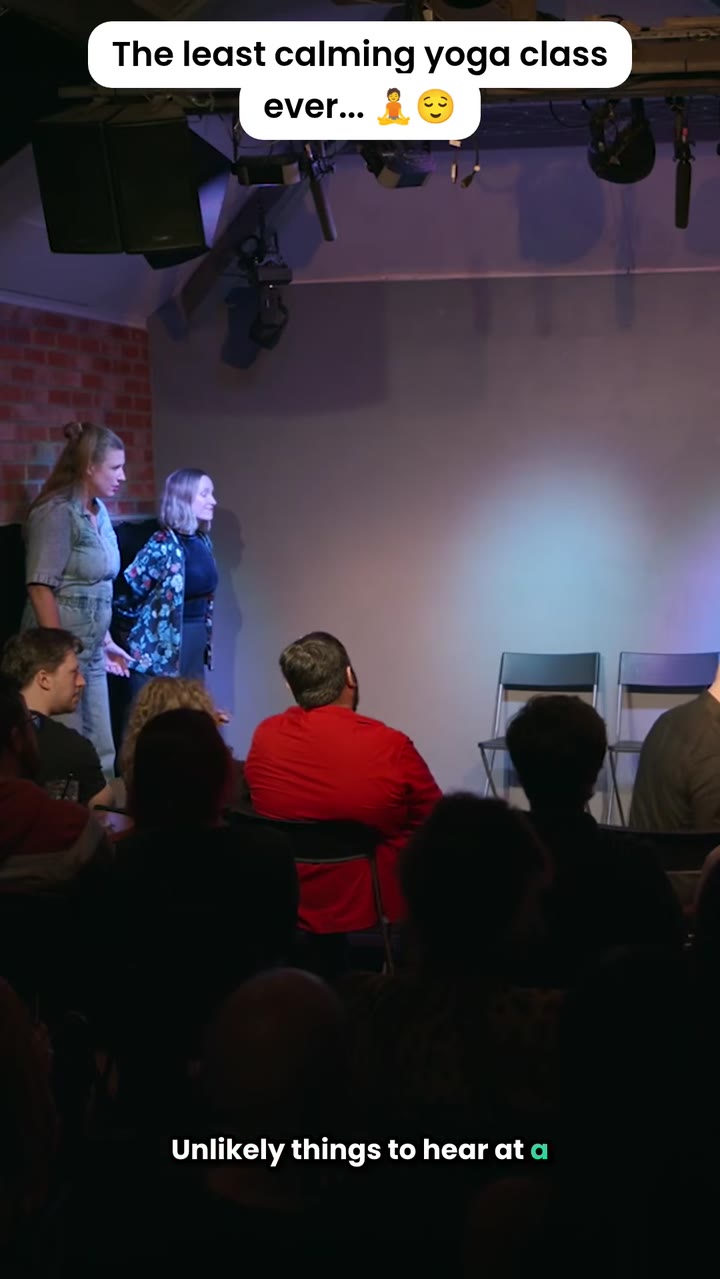
One of the ten clips we chose
Moving from OpusClip takes three steps
Moving from OpusClip takes three steps: answer three quick questions about your show, a human editor reviews your existing videos, then you book a short onboarding call. Nothing to pay to get started, and you can keep your OpusClip account running until you decide to switch.
- 01
Answer three quick questions
Tell us about your show and where you want clips posted. Nothing to pay to get started.
- 02
We review your existing videos
A human editor looks at your long-form content and confirms the plan and turnaround that fits your posting cadence.
- 03
Book an onboarding call
A short call to confirm the details, then your first set of human-picked clips starts on your plan's turnaround.
No commitment to get started
Answer three quick questions and talk to us before anything is charged. There is nothing to pay to get started, and you can cancel anytime once you are on a plan.
- Three quick questions, no commitment
- Nothing to pay to get started
- Keep using OpusClip until you switch
- Cancel anytime
The short answer
Cliphound is a done-for-you clipping service with a human editing team from $299 a month; OpusClip is a self-serve AI tool with published Free, $15 and $29 tiers. The real cost difference is not just the subscription price - it is the review time OpusClip's output still requires. Full comparison and honest concessions below.
Frequently asked questions
How much does OpusClip actually cost?+
OpusClip publishes three tiers: a Free plan, $15 a month and $29 a month. Those prices only cover the software - the real cost is the time spent reviewing the batch of clips it generates and picking, trimming or discarding the ones that do not work. Cliphound's $299-a-month Starter plan includes that review and picking as part of the price.
Is switching from OpusClip difficult?+
No. Answer three quick questions, a human editor reviews your existing videos, then you book a short onboarding call. There is nothing to pay to get started, and you can keep your OpusClip account running in parallel until you decide to switch.
When should I choose OpusClip instead of Cliphound?+
If you post daily or several times a day, run a budget under $30 a month, or you are happy reviewing a batch of auto-generated clips yourself and picking the ones that work, OpusClip's self-serve model fits that better than a done-for-you human service.
What do you actually get for OpusClip's $15 or $29 a month?+
Published access to its AI clipping software - upload your video and it generates a batch of candidate clips. What that price does not include is someone watching your footage and deciding which clips are actually worth posting; that review step still lands on you.
What do you get for Cliphound's $299 a month?+
12 finished, human-picked clips, captioned and reframed to vertical, delivered with a 3-day turnaround on the Starter plan. The judgement and the finishing work are both included in the price, not left for you to do afterwards.
Is OpusClip good?+
We are not the right people to review OpusClip's software feature by feature, and we would rather point you to Trustpilot and the wider community discussion than pretend to be neutral about a direct comparison. What we can say honestly is what the two approaches cost you in money and in your own time - covered above.
Ready for fewer clips, chosen by a human?
Three quick questions, then an onboarding call. Nothing to pay to get started, and you can cancel anytime.
What OpusClip actually costs, beyond the subscription
OpusClip’s own pricing page lists three tiers: Free, $15 a month and $29 a month. Taken at face value, that makes OpusClip look like the lower-priced option next to Cliphound’s $299-a-month Starter plan by a wide margin. Taken honestly, the comparison is not that simple, and pretending otherwise would not survive five minutes of actually using both.
The $15 or $29 buys you software: upload a long-form video and the algorithm generates a batch of candidate clips. What it does not buy you is someone deciding which of those clips are actually worth posting. That review step, watching each candidate, judging what will land with your audience, trimming and discarding the rest, still has to happen. It just happens on your side of the transaction instead of ours. Cliphound’s plans build that judgement into the price: the same human-editor process behind our done-for-you podcast clipping service applies here, so a $299-a-month Starter plan arrives as 12 finished clips, not a batch of candidates still waiting on your attention.
That is a real trade-off, not a one-sided argument. If your budget genuinely sits under $30 a month, or you post daily and need output within minutes, OpusClip’s self-serve model is doing exactly what it is built to do, and no amount of “but the review time” framing changes that maths for your situation. The honest question is not which option is objectively better, it is whether your time or your money is the scarcer resource right now.
To see what a human editor actually does with 44 minutes of raw footage, rather than just reading about it, the case study behind these numbers walks through one real episode decision by decision - ten clips chosen, nothing generated and left for someone else to sort through. And if you are weighing Cliphound against the wider market rather than just OpusClip specifically, the podcast editor cost guide breaks down real rates across DIY, freelance and agency tiers, so $299 a month has proper context either way.
If you already publish long-form video and are spending more time reviewing another tool’s output than you would like, the fastest way to find out if a human editing team is worth the difference is to answer three quick questions. Nothing is charged to get started, and there is no commitment before the onboarding call.